Reminder: We highly recommend using Microsoft Entra MFA as your primary two-factor authentication (2FA).
When you access to application that required to have 2FA, it will guide you to register for Duo:
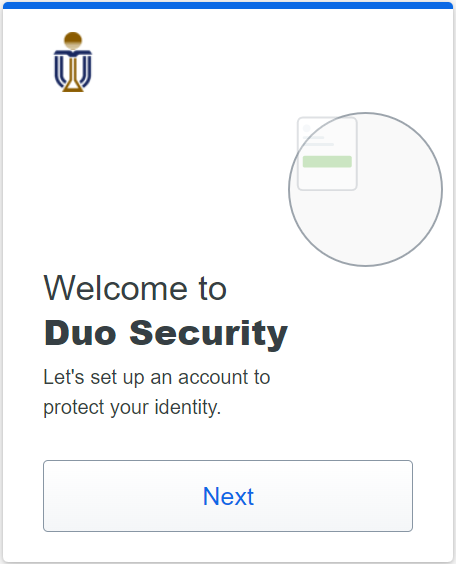
1. When you see the Welcome message, click Next:
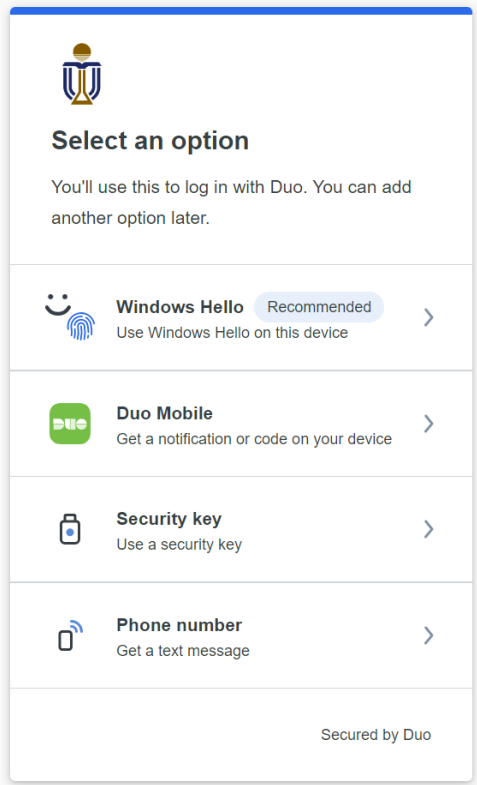
2. Select the Duo Mobile option (instead of Windows Hello):
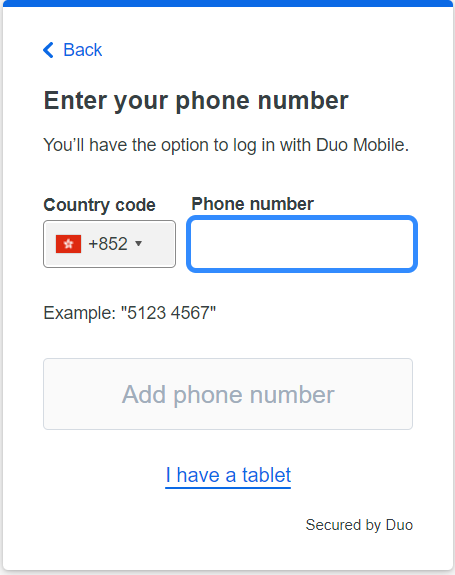
3. Select the country code for Hong Kong (+852) if you are in HK and enter your Phone number (or select I have a tablet if necessary):
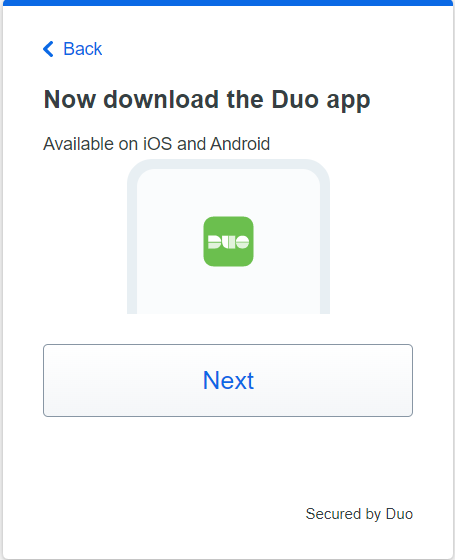
4. Download the Duo mobile app and then click Next:
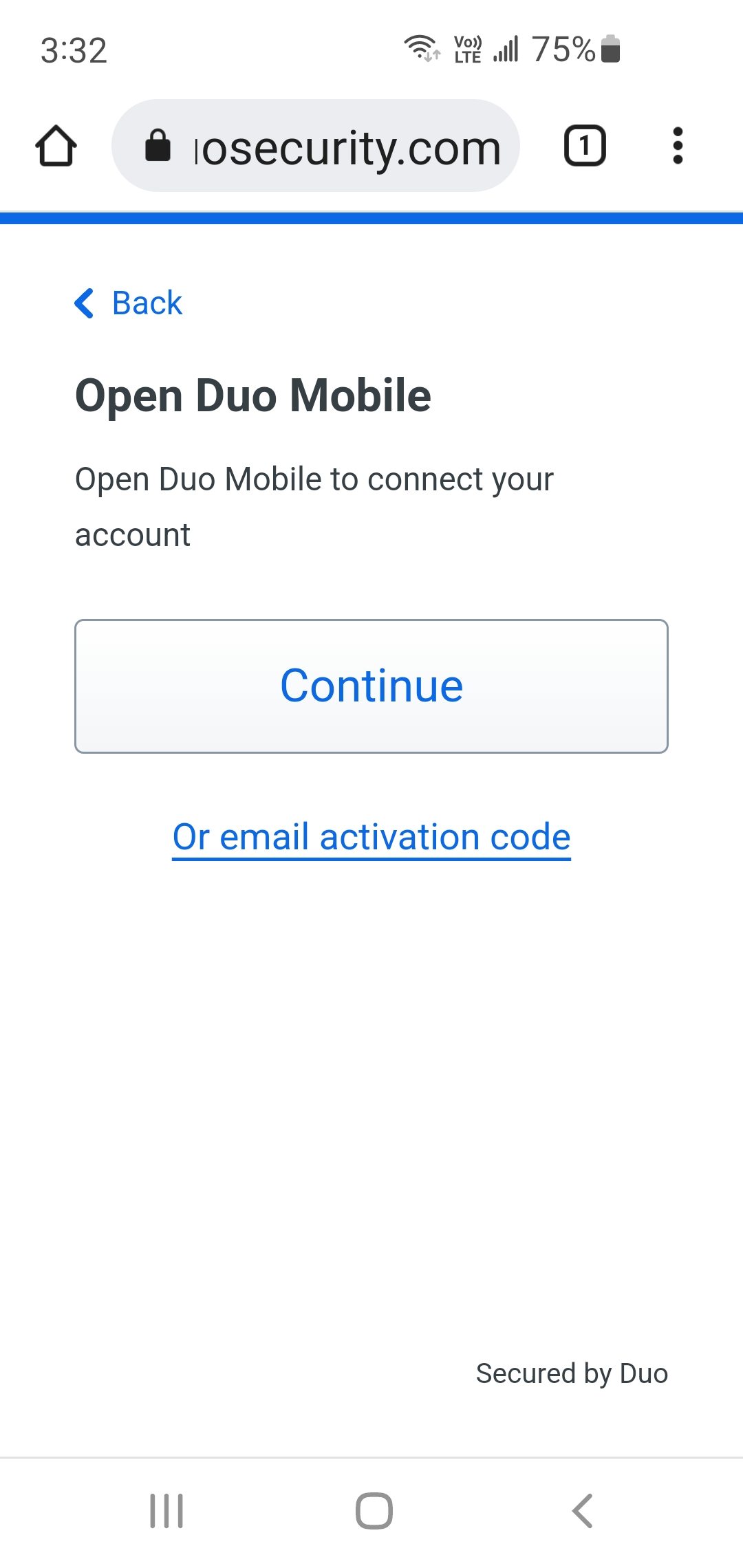
5. If you see a QR code on the monitor, Scan the QR code with your Duo mobile app. If you are browsing with your mobile, click Continue to Open Duo Mobile to connect your account. Update your account name in the app after account is added.
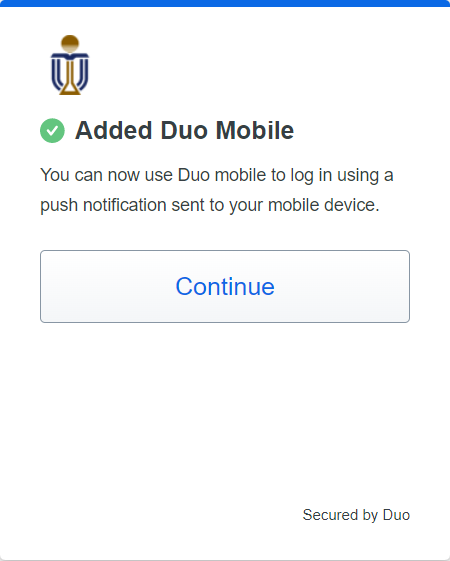
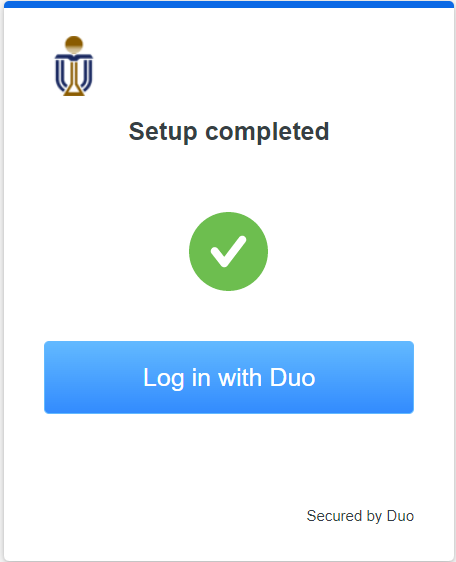
6. Setup completed: