
Check and Top Up Your Print Budget
You may check and top up your print budget using the following methods.
How to Check Your Print Budget
You can use the print budget enquiry program to check your balance and obtain a detailed statement showing the date and time of the print job, print queue, type of document, and the budget amount deducted. Unused carbon counts will not be carried forward to the next academic year.
How to Top Up Your Print Budget - Purchase Print Budget
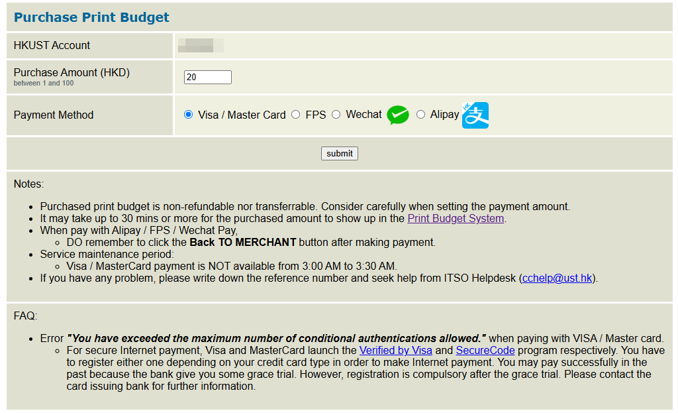
- You can increase your print budget HERE (by Visa/Master Card, FPS payment, WeChat or Alipay).
- It may take up to 30 mins or more for the purchased amount to show up in the system.
- Purchased print budget amount will NOT be reset at the beginning of each academic year.
- Purchased print budget can be carried forward to next year until your account expires, but it is non-refundable.
Note: You can change the print budget to be charged via the print budget enquiry program any time BEFORE you print.