
CAS with Two Factor Authentication (2FA)
After you have enrolled for two-factor authentication, you will need to login using your Eamil address / Password and then use your device to verify your identity when you access to protected CAS services:
-
Enter your email address and password as usual
-
Duo chooses one of your configured login options automatically by selecting the most-secure available method. e.g., automatically send a Duo Push to your default mobile device.
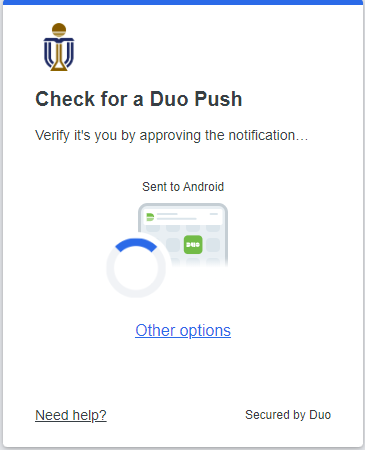
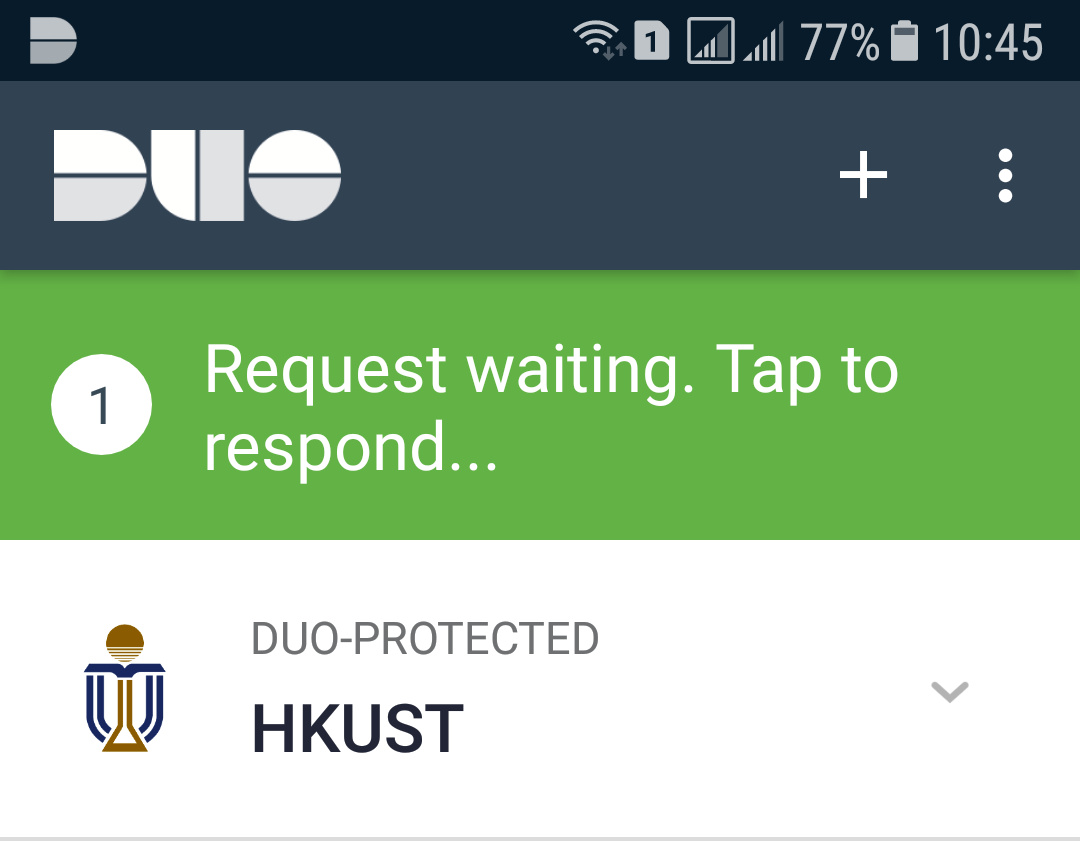
- Launch the Duo Mobile app with your smartphone
- Tap to respond the request
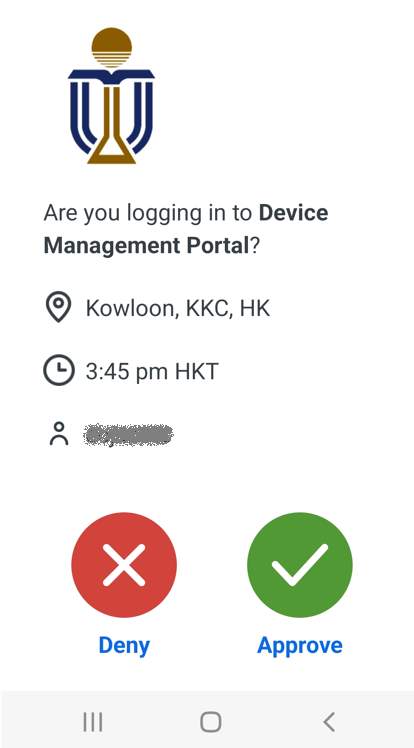
- Tap APPROVE to access the secured service
- You are securely logged in.