
Try out CAS authentication with 2FA to verify your enrollment
After you have enrolled your mobile (or other device) for two-factor authentication, please remember to complete the 2-steps authentication by:
Click here to try CAS with 2FA
STEP 1 - Enter your email and password in the SSO login page
STEP 2 - Use your physical device to verify your identity
- A Duo dialog prompts you to choose the way you would like to provide the second authentication factor. e.g. a Duo Push
- Launch the Duo Mobile app with your smartphone
- Tap to respond the request
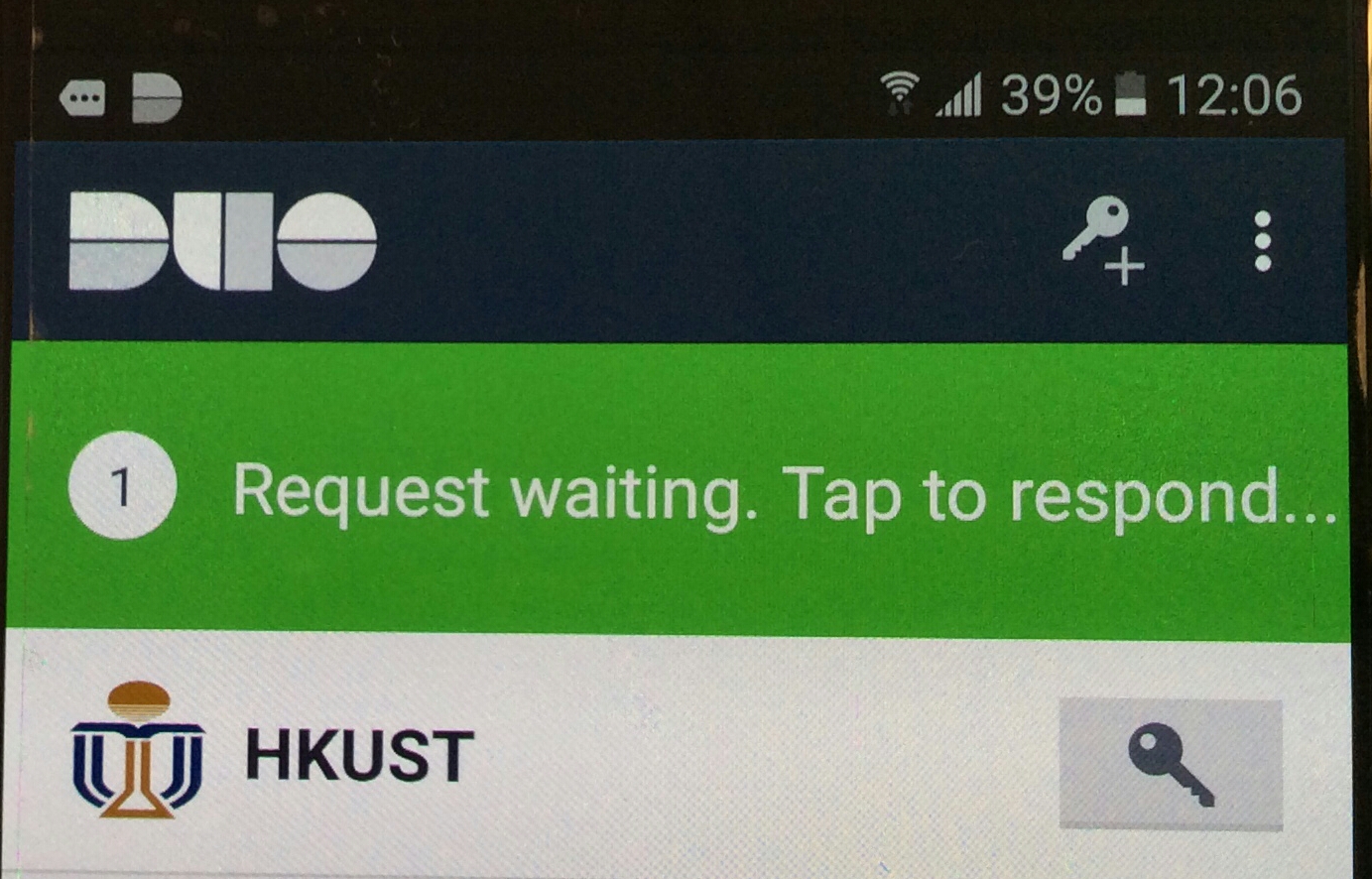
- Tap APPROVE to access the secured service
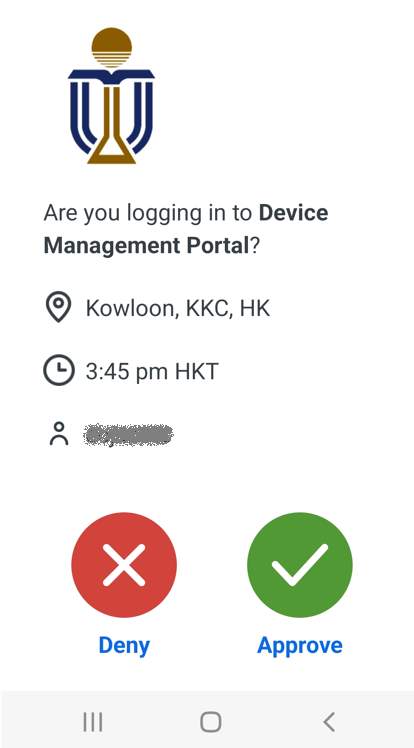
Note: If your smartphone support Duo notification, you may just response to the Duo notification by tapping APPROVE and then CONFIRM.